

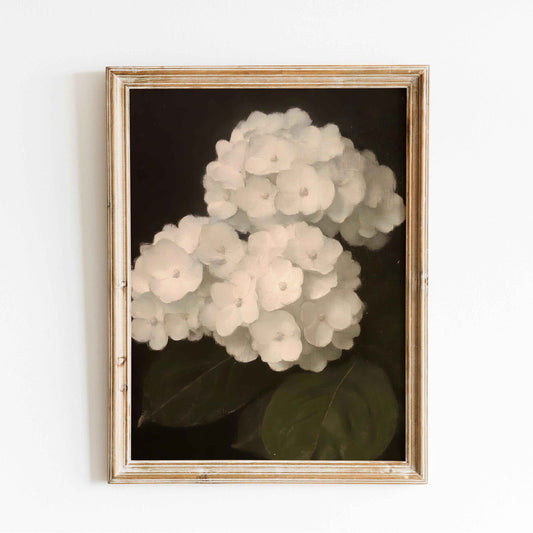
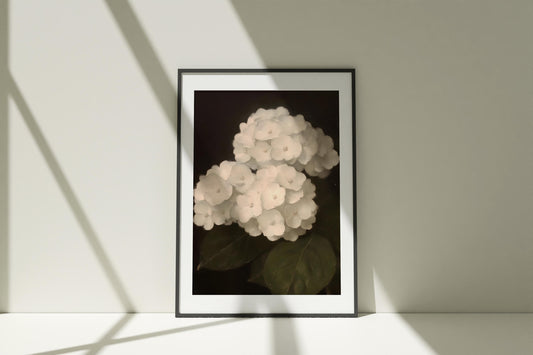
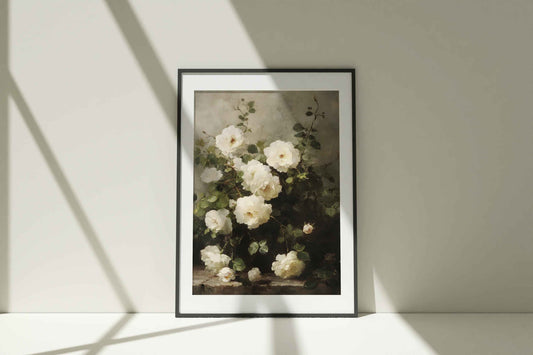
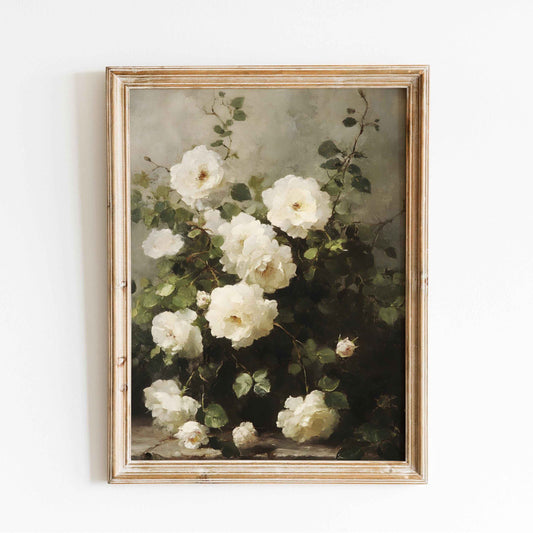

Free Printable Scrapbook Paper: Designs for Crafts
So, what exactly is free printable scrapbook paper? Think of it as a high-resolution digital design file, usually a JPG or PDF, that you can download right to your computer and print at home. It gives you instant access to a practically endless library of patterns for all your crafting, card making, and journaling needs—no shipping waits, no paying for physical sheets.
Unlock Endless Creativity with Printable Paper
Have you ever found the perfect pattern for a project, only to find out it’s sold out, discontinued, or buried in an expensive paper pack you don't really need? It's a classic crafter's frustration, and it's exactly where the magic of printable scrapbook paper comes in. It’s like having your own personal, on-demand craft supply store, open 24/7 right on your computer.
Imagine a digital fabric store where you can browse infinite designs—from vintage florals to bold, modern geometrics—and "cut" exactly the piece you need with a simple click of your printer. This idea has been a total game-changer for crafters everywhere, offering a powerful and simple solution to those creative roadblocks.
The Core Benefits of Going Digital
This shift toward printable resources is about so much more than just convenience; it’s about genuinely empowering your creativity. When you embrace digital designs, you unlock some serious advantages that can completely change how you approach your projects.
Here’s why so many crafters are building their own digital paper libraries:
- Unmatched Variety: The online world has a nearly infinite selection of designs, way more than any physical store could ever hope to stock. You can hunt down niche themes, super-specific color palettes, and unique patterns from independent artists all over the globe.
- Instant Gratification: Inspiration doesn't wait. With printable paper, you can find a design you love, download it, and have it printed within minutes. You can start your project right now, instead of waiting days for an order to show up.
- Cost-Effective Crafting: Let's be real, building a big collection of physical scrapbook paper gets expensive. Free printable scrapbook paper lets you experiment with countless styles without the financial commitment, saving your budget for other essential supplies.
- Print What You Need: You’re in total control. Print a full 12x12 sheet for a layout background, or scale it down to create a tiny gift tag. This flexibility cuts down on waste and makes sure you always have the perfect size for whatever you're working on.
More Than Just Scrapbooking
While the name gives a big hint, these printable designs are useful for so much more than traditional layouts. If you're new to the craft, getting a handle on what scrapbooking is and how it works is a great starting point for using these papers. Their versatility makes them a staple for all kinds of creative projects.
You can use a single digital file to create custom greeting cards, unique gift wrap for small items, decorative planner dividers, DIY envelopes, and even charming party decorations like banners and cupcake toppers.
This incredible adaptability makes every free download a valuable new piece in your creative toolkit. It encourages you to think outside the box and find new ways to personalize your world, one printed sheet at a time. Throughout this guide, we'll dive into how to find, print, and use these digital treasures to their absolute fullest.
Understanding Digital Scrapbook Paper Designs
So, what exactly is "printable paper"? Let's clear that up once and for all. A piece of free printable scrapbook paper isn't a physical sheet you get in the mail; it's a high-resolution digital file, crafted by a designer and ready for you to bring to life.
Think of it as a digital recipe for a beautiful pattern. Your printer is the chef, and you get to decide when and how to cook it up. Suddenly, you're not limited to what's on the shelf at your local craft store. You have an entire world of creative designs right at your fingertips, ready whenever inspiration strikes.
Decoding the Digital File Types
When you download these designs, you’ll usually find them in one of three formats. Each has its own job, and knowing the difference is key to getting the best print every time.
- JPG (or JPEG): This is the most common format you'll see. JPGs are brilliant for patterns with tons of color and detail, like photo-realistic florals or intricate backgrounds. They're universally compatible and perfect for printing full pages.
- PNG: The superpower of a PNG file is transparency. If you download a design you want to layer—like a single flower or a digital sticker—a PNG won't have that clunky white box around it. It's clean and seamless.
- PDF: A PDF is like a perfect little container that locks in the design's layout, fonts, and colors exactly as the artist intended. This is ideal for printable sets with multiple items on one page, guaranteeing that what you see on your screen is precisely what you'll get from your printer.
The All-Important Rules of Use
This is probably the most crucial part of using free downloads. Every design comes with a license—basically, a set of rules from the creator explaining how you can use their work. It's not just about being polite; it’s about respecting the artist and keeping yourself out of hot water.
We're seeing some interesting shifts in this space. For 2025, designers are leaning into bold, retro color palettes—think deep teals, rich mustards, and electric blues. There's also a demographic shift happening. While 82% of adult crafters in 2024 still bought pre-printed papers, nearly 65% of Gen Z and millennial crafters now primarily use free printable files. It's a clear move toward a digital-first crafting mindset. You can dive deeper into these scrapbook paper design trends on accio.com.
Key Takeaway: Always, always check the license before you download. Good designers make their terms crystal clear. Respecting them ensures this wonderful community of free resources can keep going for all of us.
Personal Use vs. Commercial Use
Most free designs fall into two buckets. Knowing the difference is non-negotiable.
-
Personal Use: This is the standard for most freebies. It means you can use the design for any project that you're not selling. Your own scrapbook, cards for your family, planner decorations, or a school project all fit here. If no money is changing hands, you're good to go.
-
Commercial Use: This license is your green light to use the design on items you plan to sell. This could be anything from handmade cards on Etsy to prints for a local craft fair. Freebies with a commercial license are rarer, but they're gold for small business owners.
Ignoring these rules can lead to trouble, so take a second to read the terms. It’s a simple step that lets you craft with complete confidence and peace of mind.
Finding and Safely Downloading High-Quality Printables
So, you know what you’re looking for. Now comes the fun part: the treasure hunt. The internet is absolutely packed with gorgeous free printable scrapbook paper, but let's be honest—it can be a bit of a minefield. The real trick is knowing where to look to find those high-quality, safe-to-download gems without drowning in a sea of blurry files or spammy sites.
Think of yourself as a digital librarian. You're not just grabbing the first thing off the shelf; you're carefully curating a collection of reliable, top-notch resources. Get this part right, and you'll build an incredible digital library you can return to again and again for endless inspiration.
Top Spots for Finding Free Designs
Your first stop should always be places where creativity is celebrated and shared. These digital hangouts are often the best sources for unique, well-crafted designs from seriously talented artists.
- Designer Blogs and Websites: So many graphic designers and craft bloggers share freebies as a way to connect with their audience. These are usually passion projects, meaning they’re high-quality and a fantastic way to discover new artists whose style you absolutely love.
- Pinterest: It’s so much more than just a place to pin ideas; Pinterest is a powerhouse of a visual search engine. Use it to track down links that lead back to the original artists' blogs or websites, where you can download the files directly. It's the perfect way to see a massive variety of styles in one glance.
- Dedicated Freebie Websites: Some sites specialize in rounding up free digital resources, from fonts to patterns and everything in between. The good ones are well-organized, have clear categories, and have plenty of positive user reviews.
The hunt for free printables is a huge part of the crafting world. A global survey in 2022 revealed that over 60% of regular scrapbookers had downloaded at least one free printable in the last year. This trend is backed up by the millions of monthly searches for "printable scrapbook paper" on hubs like Pinterest and Etsy during peak crafting seasons. If you want to dive deeper into the paper market itself, you can check out some fascinating uncoated paper trends on Indexbox.io.
Using Smart Search Terms
How you search makes all the difference. Being specific is the key to finding exactly what you need instead of scrolling for hours. Don't just type "free printable paper"—get descriptive with your keywords.
For example, try searching for things like:
- "Vintage floral digital paper"
- "Geometric seamless pattern 12x12"
- "Watercolor stripe printable scrapbook paper"
- "Pastel polka dot freebie"
By combining themes, colors, styles, and sizes in your search, you'll narrow down the results dramatically and find higher-quality options much faster. This targeted approach helps the search engine understand your creative vision. For a great selection of curated, ready-to-use options, you can also explore a variety of digital scrapbook pages that fit many popular themes.
Pro Tip: When you find a designer you like, subscribe to their newsletter. They often send exclusive freebies and new designs directly to subscribers, giving you first dibs on their best work.
Your Essential Safety Checklist
Not all free downloads are created equal. Before you hit that download button, run through this quick mental checklist. It will help protect your computer and ensure you’re getting a file that’s actually usable for your projects. This simple habit will save you a ton of frustration down the road.
The Safe Download Checklist:
- Check the Resolution: Look for any mention of 300 DPI (dots per inch). This is the gold standard for high-quality printing. Anything less will probably look blurry, pixelated, or faded when you print it.
- Verify the Usage Terms: Good sources will clearly state if the files are for "personal use" or "commercial use." If you can't find this information easily, play it safe and assume it's for personal projects only.
- Watch for Red Flags: Does the website bombard you with aggressive pop-up ads? Does it make you click through a maze of confusing links to get the file? These are big signs of a low-quality site that might not be safe.
- Look for a Direct Download: The download process should be simple. A trustworthy site will usually give you a direct link to a JPG, PNG, PDF, or a compressed ZIP file containing the images.
Following these guidelines will help you confidently and safely build an amazing collection of free printable scrapbook paper. That way, you can focus on the best part—bringing your creative ideas to life.
Turning Your Digital Files into Perfect Prints
This is where the real magic happens. You’ve gathered a fantastic library of digital designs, and now it’s time to bring those pixels on your screen to life as beautiful, tangible craft supplies. Getting a perfect print from your free printable scrapbook paper really comes down to three things: picking the right paper, dialing in your printer settings, and knowing how to fix the little hiccups that can happen along the way.
Think of it like baking a cake. Your digital file is the recipe, the paper is your set of ingredients, and the printer is your oven. When all three work together, the result is flawless. But if one part is off, the whole project can fall flat. I'll walk you through each step to make sure you get vibrant, professional-looking prints every single time.
This visual guide breaks down the simple, safe way to find and download new digital papers for your collection.
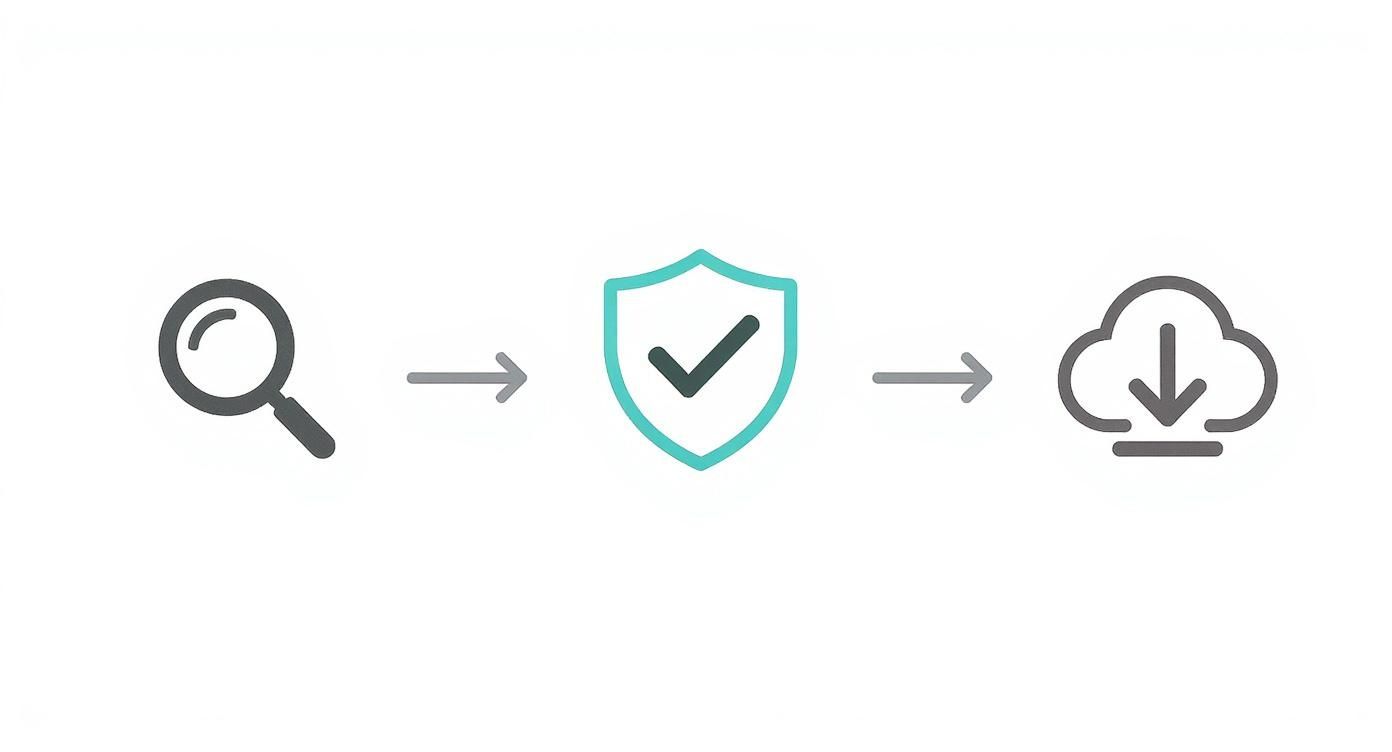
This workflow highlights a crucial step that many people miss: checking the source and license before you download. It's a small habit that protects both you and the original creator.
Choosing the Perfect Paper
The paper you print on is the absolute foundation of your project. The right choice makes colors pop and gives your work a premium feel, while the wrong one can leave you with dull, flimsy results. Different papers have different jobs, and knowing the difference is key.
-
Cardstock (65-110 lb / 175-300 GSM): This is your all-around workhorse. Its thickness makes it perfect for scrapbook page bases, greeting cards, gift tags, and anything else that needs to hold its shape without flopping over. A smooth, bright white cardstock is your best bet for crisp, true-to-life colors.
-
Matte Photo Paper: If your designs have rich, deep colors or you're aiming for a vintage vibe, matte photo paper is a fantastic option. It soaks up ink beautifully without any of the glare you get from glossy finishes, making it ideal for layouts with photos or a softer, more artistic aesthetic.
-
Glossy Photo Paper: When you need colors to be intensely vibrant and almost luminous, reach for the glossy stuff. It's perfect for modern, high-impact designs, DIY digital stickers, or any project where you want that shiny, photo-like finish. Just be careful with fingerprints!
Choosing the right paper is just one piece of the puzzle. For a complete look at stocking your craft room, check out our guide to the essential crafting supplies every creative needs.
Mastering Your Printer Settings
You don't need a super expensive, professional-grade printer to get great results. Honestly, most standard home inkjet printers are more than capable of producing beautiful prints, as long as you tell them what you're doing. Taking a moment to dive into your printer’s settings menu is the single most effective thing you can do to improve your print quality.
Before you hit that "Print" button, look for a "Properties" or "Advanced Settings" option. There are three settings you absolutely want to adjust:
-
Paper Type: This one is critical. Tell your printer you're using "Matte Photo Paper," "Glossy Paper," or "Cardstock." This simple selection changes how much ink the printer uses and how it applies it, which prevents smudging and ensures your colors come out right.
-
Print Quality: Always, always select "High Quality," "Best," or whatever the highest setting available is. It will use a bit more ink and take a little longer, but the difference in detail and color vibrancy is night and day. "Standard" or "Draft" modes are fine for test prints, but never for your final piece.
-
Borderless Printing: For those gorgeous full-page 12x12 or 8.5x11 patterns, check for a "Borderless" option. This tells the printer to go right to the very edge of the paper, eliminating that annoying white margin and giving your work a much more polished, professional look.
To make things even easier, here's a quick-reference table to help you match your project with the perfect paper and settings.
Recommended Paper and Printer Settings for Best Results
This table is a handy guide to help you choose the best paper and printer settings for whatever you're creating.
| Project Type | Recommended Paper Type | Ideal Paper Weight (GSM) | Key Printer Setting |
|---|---|---|---|
| Scrapbook Page Bases & Cards | Cardstock | 200-300 GSM | Paper Type: Cardstock/Heavy |
| Photo-Heavy Layouts | Matte Photo Paper | 170-250 GSM | Paper Type: Matte; Quality: Best |
| Vibrant Ephemera & Stickers | Glossy Photo Paper | 170-250 GSM | Paper Type: Glossy; Quality: Best |
| Full-Page Backgrounds | Cardstock or Matte Paper | 175-220 GSM | Setting: Borderless Printing |
Just remember to let your prints dry completely, especially glossy ones, before you handle them to avoid smudges!
Troubleshooting Common Print Problems
Even with the best prep, sometimes things go wrong. Don't panic! Most common printing frustrations have simple fixes.
Here’s how to tackle the most frequent issues:
-
Faded or Streaky Colors: Nine times out of ten, this means you have a clogged print head or you're low on ink. Your printer software has a maintenance section with tools like "Nozzle Check" and "Head Cleaning." Run a cleaning cycle once or twice to clear it up.
-
Colors Don't Match the Screen: If your prints look way off from what you see on your monitor, the first thing to check is your "Paper Type" setting. Printing on glossy paper with the "Plain Paper" setting selected will almost always give you muted, incorrect colors because the printer isn't laying down the right amount of ink for that surface.
-
Paper Jams with Cardstock: Heavier paper can sometimes be tricky for printers to grab. The easiest fix is to load only one sheet of cardstock at a time. If your printer has a rear manual feed tray, use that—it provides a straighter path for the paper to travel.
Alright, you've printed out a stack of gorgeous designs. Now for the fun part: what will you make? This is where the magic of free printable scrapbook paper really comes to life. The possibilities stretch far beyond a traditional 12x12 layout, letting you inject custom patterns and colors into dozens of creative projects.
Think of each printed sheet not just as a background, but as a flexible, versatile material waiting to be cut, folded, and transformed. That mindset is the key to unlocking endless crafting potential from your digital collection.
Go Beyond the Scrapbook Page
Let’s jump into some inspiring and practical ways to use your freshly printed papers. These ideas are perfect for gift-giving, home organization, and party planning—proving that a simple print can make a huge impact.
-
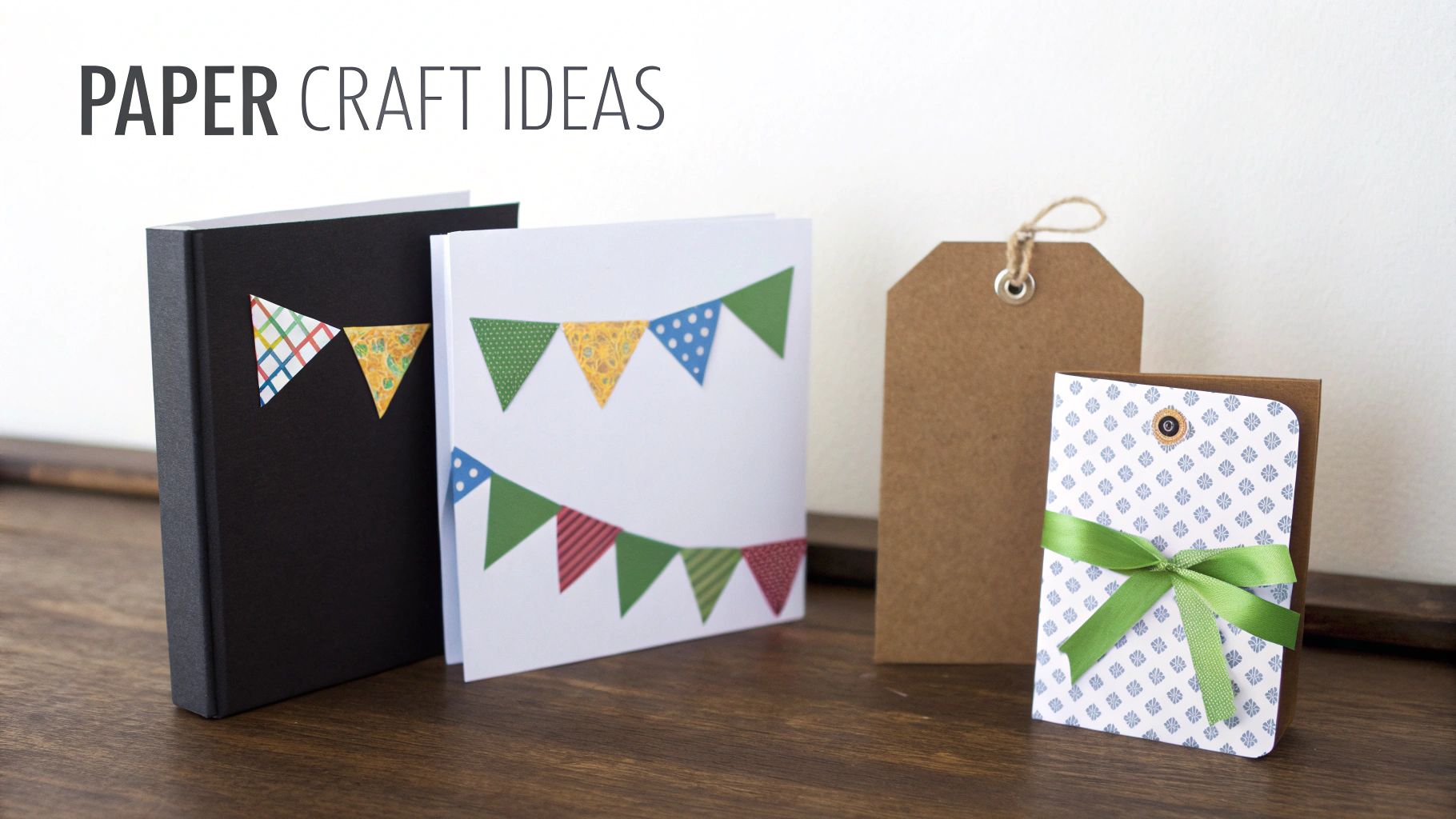
Custom Greeting Cards: Just fold a piece of printed cardstock in half, and you've got an instant card base. You can then layer smaller, contrasting patterns on top or even fussy-cut specific elements from another design to use as a focal point. Pro-Tip: Use a scoring tool before folding to get that crisp, professional-looking crease every single time.
-
Unique Gift Tags: Why settle for generic, store-bought tags? Use a tag-shaped punch or simply cut rectangles from your favorite patterns. Punch a hole, thread some nice ribbon or rustic twine through it, and you’ve created a beautiful, custom tag that makes any gift feel extra special.
-
Decorative Planner Dividers: Bring some joy to your daily planner or journal with custom dividers. All you have to do is trace an existing divider onto your printed cardstock, cut it out, and laminate it if you want it to be extra durable. It’s a fantastic way to organize sections with patterns that perfectly match your personal style.
Elevate Your Gifting and Parties
There's something about handmade touches that makes any occasion more memorable. Your printable papers are the perfect starting point for creating charming, coordinated details for parties and gifts. With just a printer and a bit of creativity, you can craft items that look both beautiful and incredibly thoughtful.
This isn't just a niche hobby; it's part of a massive creative movement. The digital scrapbooking market, fueled by crafters who love printables, is projected to hit $3.5 billion globally in 2025 and an unbelievable $7.5 billion by 2030. This boom is driven by the very community downloading and sharing designs, with hashtags like #freeprintablescrapbookpaper getting hundreds of thousands of views. You can dig into the numbers yourself with these digital scrapbooking market projections on FutureDataStats.com.
Here's a great little trick: you can easily make your own DIY envelopes. Just carefully unfold an old envelope you have lying around, trace its shape onto the back of your printed paper, cut it out, and then fold and glue the flaps. It’s such a simple technique, but it adds a huge "wow" factor to any card you send.
Charming and Easy Decorations
Finally, don't forget that your printed papers are perfect for whipping up quick and affordable party decorations. A little effort here goes a long way in creating a truly festive atmosphere.
Here are a couple of my favorite simple-yet-effective ideas:
-
Party Bunting: Cut your papers into triangles or flag shapes, all the same size. Fold the top edge of each flag over a long piece of string or ribbon and stick it down with glue or tape. In less than 30 minutes, you can have a beautiful, custom banner ready to hang.
-
Cupcake Toppers: Grab a 2-inch circle punch and cut out rounds from your patterned paper. Tape or glue these little circles to the tops of toothpicks, and you have instant toppers that coordinate perfectly with your party's theme.
Each of these projects shows how a simple sheet of printed paper is really a launchpad for creativity. Once you start thinking beyond the page, you'll find a whole world of personal, budget-friendly crafting possibilities.
Of course. Here is the rewritten section, crafted to sound completely human-written and natural, following the provided style guide.
Your Printable Scrapbook Paper Questions Answered
Even after you've found the perfect designs and are ready to create, a few small questions can pop up and slow you down. I get it. We've all been there! This section is where we tackle those common "what ifs" and "how tos" head-on.
Think of this as a quick chat to clear up those final details, from techy print settings to the nitty-gritty of usage rights. My goal is to give you short, clear answers so you can get back to the fun part—making something beautiful.
What Is the Best Resolution for Printing?
When you’re working with digital paper, resolution is king. For prints that look sharp, vibrant, and professional, you always want to look for files that are 300 DPI (dots per inch). This is the gold standard for high-quality printing, and any reputable designer will make sure their files meet this spec.
Think of it like this: 72 DPI (which is fine for websites) is like a loosely woven fabric—stretch it out on paper, and you’ll see all the gaps. It looks pixelated and blurry. On the other hand, 300 DPI is like a high-thread-count sheet; it packs so much more detail into every single inch, giving you those crisp lines and rich colors you’re after.
Can I Use My Standard Home Printer?
Absolutely! You definitely don’t need a fancy, expensive printer to get gorgeous results with free printable scrapbook paper. Most modern inkjet printers sitting in home offices right now are more than capable of producing incredible prints.
The real secret isn't the printer model, but how you use it. It all comes down to choosing the right paper type in your settings, selecting the "High Quality" or "Best" print option, and, of course, using good-quality cardstock. Honestly, your trusty desk printer is probably the perfect crafting sidekick.
Key Insight: Your choice of paper and your printer's settings have a much bigger impact on the final print quality than the printer itself. Taking a moment to adjust these is the single most important step you can take for beautiful results.
How Do I Resize a Design for Smaller Projects?
This is such a great question because it opens up a world of possibilities. What if you’ve fallen in love with a 12x12 pattern but need it for a tiny 3x4 inch journaling card? The easiest way to do this is right inside your printer’s settings menu.
When you click "Print," look at the preview window. Instead of printing at "100%" or "Actual Size," you can usually enter a custom percentage or specific dimensions. You could tell it to print the design as a 4x6 inch image, for example.
If you want more control, free tools like Canva or even Microsoft Word work wonders. Just pop the image onto a blank page, drag the corners to make it the exact size you need, and then print the whole document. This method is fantastic for fitting several smaller designs onto one sheet, which is a great way to save paper!
What Is the Difference Between Personal and Commercial Use Again?
Let's wrap up with a simple, no-fuss recap of this crucial topic. Getting this right is non-negotiable for crafting ethically and legally.
-
Personal Use: This means you can use the design for any project that you will not sell or make money from. Think of your own scrapbook albums, cards for friends and family, or decorating your planner. If no money changes hands, you're in the clear. The vast majority of freebies fall into this category.
-
Commercial Use: This license is your permission slip to use the design on items you plan to sell. This could be anything from handmade cards on your Etsy shop to prints for a local craft fair. If you're running a small business and want to use someone else's art in your products, you must have a commercial license. Always double-check for it!
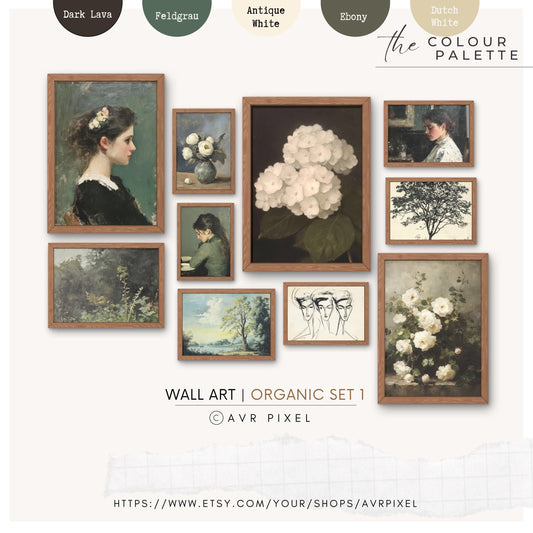
At AvrPixel, we believe creativity should be accessible and inspiring. Our collection of digital scrapbook kits, vintage ephemera, and printable wall art is designed to give you high-quality, beautiful designs right at your fingertips. Explore our instant downloads and find the perfect piece for your next project. Discover your next creative spark at Avrpixel.com.
Article created using Outrank